

What is an ABHA health card?
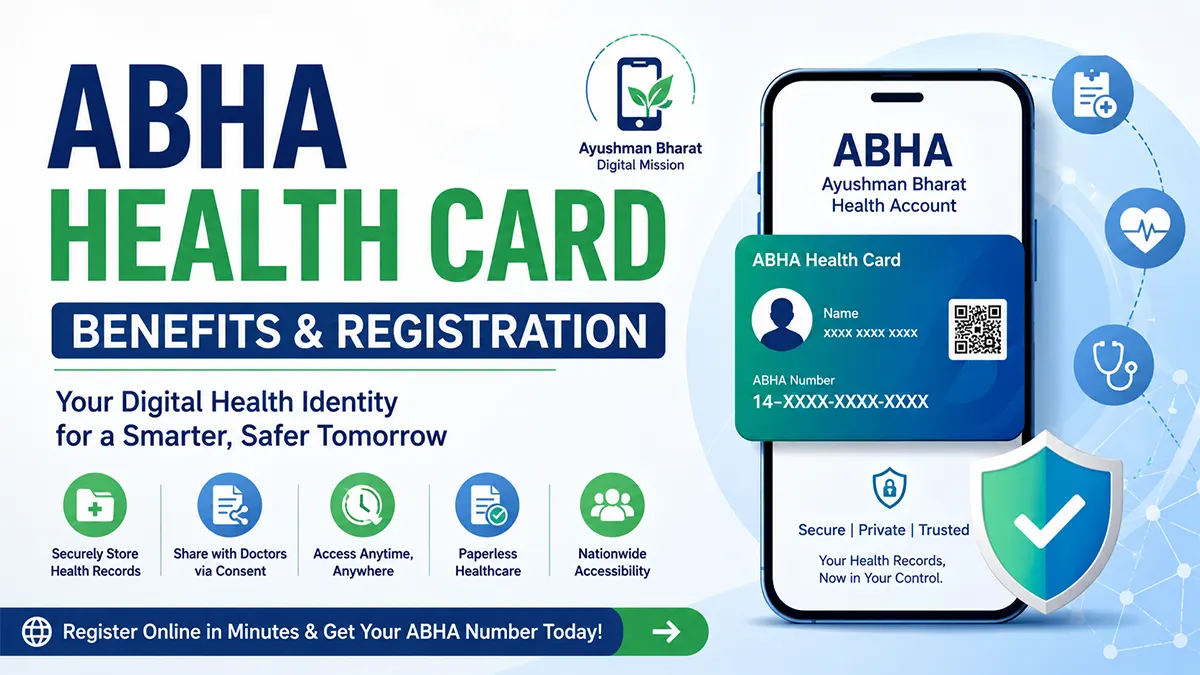
ABHA stands for Ayushman Bharat Health Account. Its 14-digit number identifies a person within the Ayushman Bharat Digital Mission (ABDM). It supports linking and exchanging health records through participating digital systems.
The card represents this digital identity. Creating a number alone does not automatically collect every past report or make all hospitals able to access your records.
ABHA is not health insurance
Creating an ABHA number is free. That does not make consultation, tests, medicines or hospitalisation free. ABHA itself does not provide financial health coverage.
PM-JAY, Aarogyasri, CGHS and private insurance have their own eligibility, coverage and authorisation requirements. Holding or linking an ABHA does not by itself prove eligibility or confirm a hospital’s empanelment.
Number, address and app: how they differ
| Term | Meaning |
|---|---|
| ABHA number | A 14-digit digital health identifier. |
| ABHA address | An easy-to-remember identifier, such as name@abdm, used for accessing and sharing linked records. |
| ABHA / PHR app | An application that supports managing personal health records and consent within the ABDM ecosystem. |
What can ABHA help you do?
- Link eligible digital records from participating providers.
- Access available reports and prescriptions through a compatible personal health record app.
- Share selected information through consent-based workflows.
- Use supported registration features, such as Scan and Share, where the facility offers them.
Features depend on the app and facility integration. Keep important reports available as a backup, particularly for urgent care or providers that cannot access them digitally.
How to create an ABHA number
- Open the official ABHA portal using the link below.
- Choose an identification method currently offered. Read the consent and privacy information before proceeding.
- Complete the authentication requested by that method. For Aadhaar OTP registration, access to the Aadhaar-linked mobile number is normally required.
- Review your name and other details carefully before confirming.
- Use the portal’s available card or profile download option after successful registration.
Available methods and screen labels can change. The portal uses JavaScript; this guide does not reproduce a verified current screen-by-screen journey. If OTP registration is not possible, ask an authorised participating facility or official support about alternatives. Do not assume a mobile number alone completes all identity verification.
How records become available
ABDM uses a federated approach rather than one central repository containing everyone’s clinical records. Participating providers retain records in their systems and enable exchange through supported processes.
If a report is missing, ask the provider whether the record was generated digitally, whether the facility supports linking it, and whether it is associated with the correct account. Creating another ABHA is not a reliable fix for a missing record.
Consent and account safety
Read who is requesting information, the purpose, records covered and duration before approving a request. The official ABHA app supports reviewing and revoking sharing consent. Review the applicable privacy policy for account information and legal exceptions.
Keep control of your phone and login. Enter OTPs only in the authentication process you initiated; do not send them through messages or give them to unsolicited callers. Avoid publishing your card, Aadhaar details or health reports on social media.
ABHA participation is voluntary. Official services provide options for deactivation or deletion; read their consequences and retain needed reports before using them.
Using ABHA at My Health Hospitals
Contact the relevant branch to confirm whether ABHA registration assistance, Scan and Share or record linking is currently supported. This article does not establish the hospital’s technical integration or scheme empanelment.
KPHB / Kukatpally reception
+91 9111674111For account recovery or identity errors, use official ABHA support. Do not send identity documents or OTPs through a general appointment enquiry.
Frequently asked questions
What does ABHA stand for?
ABHA stands for Ayushman Bharat Health Account. Its 14-digit number is a digital health identifier under ABDM.
Is creating ABHA free?
Yes. Creating the number is free, but this does not make medical services free.
Is ABHA an insurance card?
No. ABHA itself does not provide financial health coverage. Insurance and public schemes have separate eligibility and benefit rules.
Is participation voluntary?
Yes. Participation is voluntary, and official services provide deactivation or deletion options with consequences that should be reviewed first.
Will all old reports appear automatically?
No. Availability depends on digital records, provider participation and successful linking to the correct account.
What is an ABHA address?
It is an easy-to-remember identifier, such as name@abdm, used to access and share linked health records.
How can I download the card?
Sign in through the official portal and use the available card or profile download option after authentication. Screen labels and options may change.
Can I withdraw sharing consent?
The official ABHA app supports reviewing and revoking consent. Read the applicable privacy policy and account instructions.
Is ABHA the same as PM-JAY eligibility?
No. An ABHA number does not by itself establish eligibility for PM-JAY, another public scheme or an insurance claim.
Does My Health Hospitals support ABHA record linking?
Contact the branch to confirm current support. This information page does not verify technical integration or scheme empanelment.
Official sources and help
- Official ABHA portal
- Official ABDM information and FAQs
- Government explainer: ABHA number, address and records
- Government response: federated architecture and voluntary participation
- Official ABHA app privacy policy
- Parliamentary report: ABDM and financial coverage
This is a patient information guide, not a government registration service. Follow current official instructions for account operations.
Latest Health Blogs
More health articles from My Health Hospitals

General Medicine


Gastroenterology